


Works with anything
ChatGPT and Claude answers, LinkedIn and X posts, WhatsApp chats, emails and articles. Copy it, or share it to Notchman.

Copy any long message, post or AI answer. Notchman explains what matters out loud, on your iPhone, Mac or Windows PC.
INTRO
Notchman turns anything long into something you can listen to.
Copy a message, a post or an AI answer, then tap TL;DR to hear what matters or Read to hear every word, straight from your Dynamic Island.
Read less. Understand more.
A WhatsApp thread, a LinkedIn post, a 2,000-word ChatGPT answer or just a link. If you can copy it, Notchman can read it.
Press and hold the Dynamic Island, then choose TL;DR or Read. Notchman shows each step until your audio starts.
A natural voice explains what matters, or reads every word. Pause, skip and change speed from the Lock Screen.
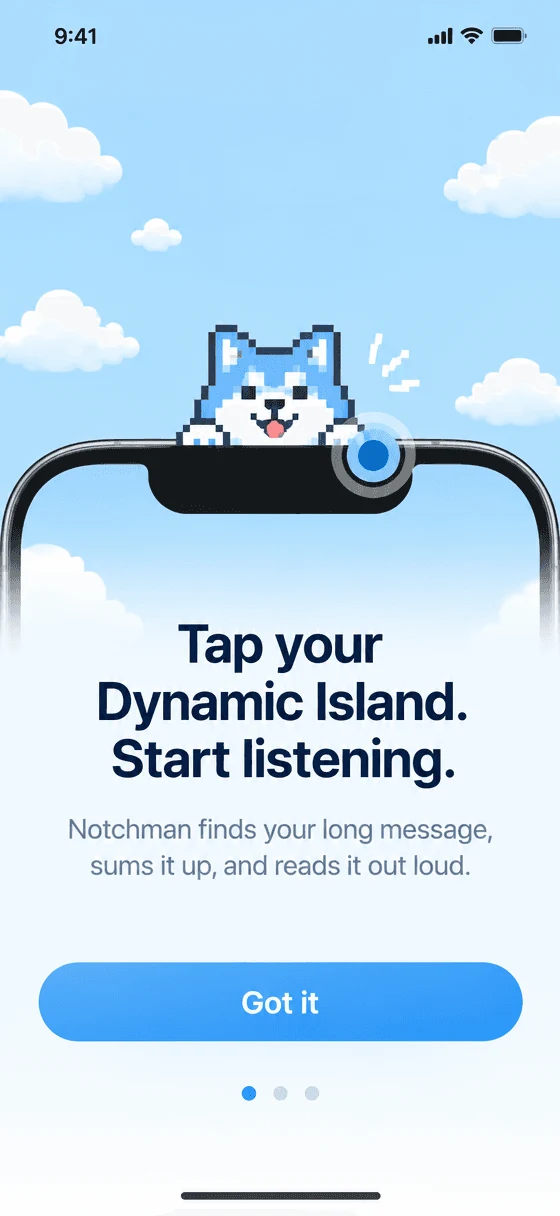

A WhatsApp thread, a LinkedIn post, a 2,000-word ChatGPT answer or just a link. If you can copy it, Notchman can read it.
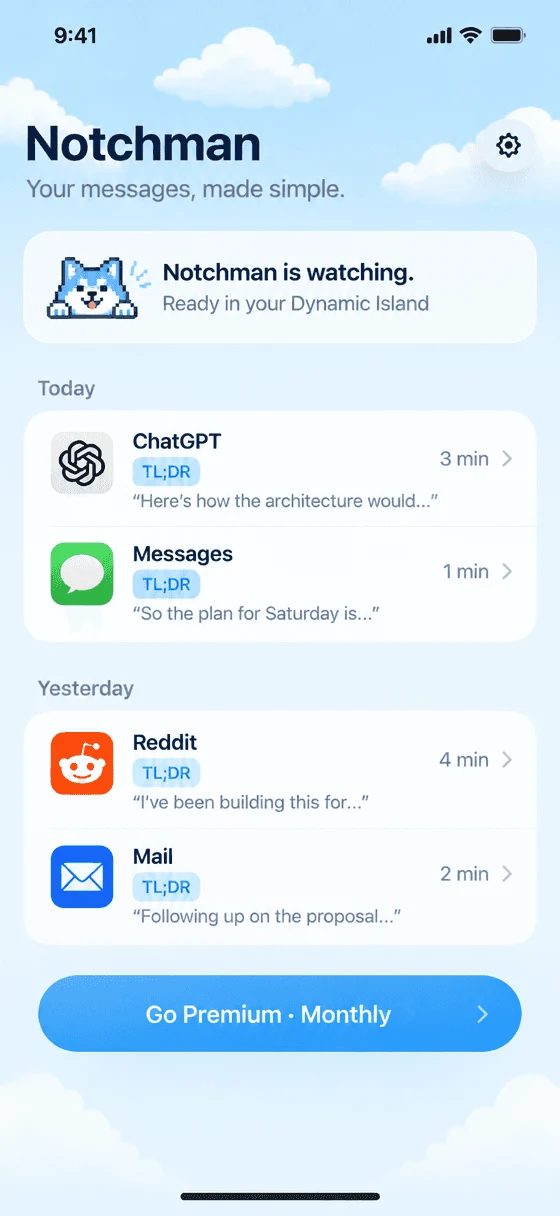
Press and hold the Dynamic Island, then choose TL;DR or Read. Notchman shows each step until your audio starts.
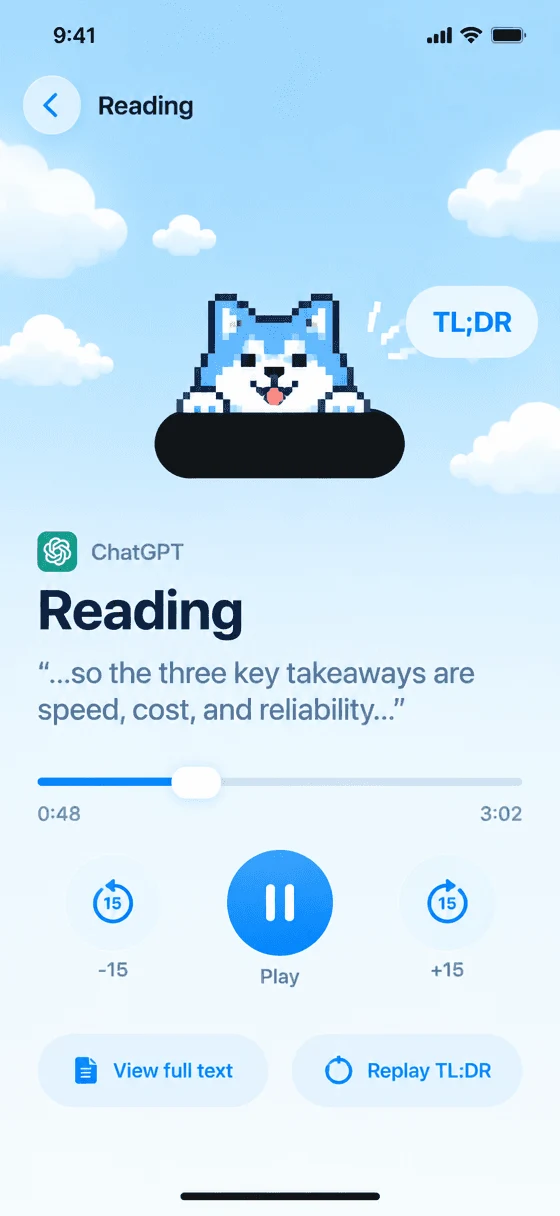
A natural voice explains what matters, or reads every word. Pause, skip and change speed from the Lock Screen.
On iPhone, Mac and Windows
FEATURES
ChatGPT and Claude answers, LinkedIn and X posts, WhatsApp chats, emails and articles. Copy it, or share it to Notchman.
1,240-word answer+86 messagesYour 40-second TL;DR is readyNot a shortened copy: an explanation. It keeps the numbers, names, dates and caveats that matter, and drops the filler.
Natural voices that sound like a person, not a robot. Pick the one you like and change the speed any time.
DOWNLOAD

A pixel Shiba floats on your screen. Click it, pick any paragraph, and hear its TL;DR, or the whole thing.

The same Shiba, on Windows 10 and 11. Drag it anywhere, and it reads articles, emails and chats out loud.
Free while in beta. The iPhone app is coming soon to the App Store.
Illustrative examples. Every TL;DR keeps the numbers, names and dates that matter.
A NOTE
Year 2026
Hi, and thank you for trying Notchman. It started with a simple problem: long messages pile up faster than anyone can read them. AI answers, work threads, family group chats, posts that go on for pages. Most of the time we didn’t need every word. We needed to understand what it said, and we wanted to listen while walking, cooking or commuting. So that’s what Notchman does. Copy anything long, tap the Shiba, and hear what matters in a voice that sounds like a person. It’s early and it gets better every week. If something feels off, tell us. We read every message. Thank you for listening.
FAQ
To make a TL;DR, the text you choose goes to Groq, which writes the summary, and then to ElevenLabs, which makes the voice. Notchman’s server doesn’t store your text, and your history stays on your device.
Anything you can copy: ChatGPT and Claude answers, WhatsApp and iMessage chats, emails, LinkedIn, X and Reddit posts, articles and links. Copy a link and Notchman opens the page for you.
TL;DR explains what the text says in plain words, keeping every important number, name, date and caveat. Read speaks the whole text, cleaned up so it sounds natural.
Copy something, press and hold the Shiba in the Dynamic Island and tap TL;DR or Read. Notchman opens, shows each step and starts playing. You can go straight back to what you were doing while it reads.
Yes. Notchman runs on Mac and Windows. A floating Shiba lets you pick any paragraph on your screen and hear it. Download it above; it’s free during the beta.